How to remove links dotted border in IE7?
Is your head spinning trying a:focus{outline:none;} to remove the dotted outlines in active links in IE7? Well mine was. After a long research and trying a lot of tests, I came to face a good, well-worked trick to remove those ugly dotted borders.
The myth
Try out Googling on this topic and you'll find everyone is saying use this:
a:focus, *:focus {outline:none;}A never working fix for IE7.
But hey, is that property supported in IE7? Simplest and fair answer is "No". CSS 'outline' is not supported in IE7.
Here you will find a quick trick on how you can remove active links' dotted outlines from IE7. (Sorry for recommending to use CSS expression, but this is the only solution for IE7.)
The Solution
Nothing more, just one line is needed in your CSS, but it's a CSS expression.
a:focus, *:focus {
	noFocusLine: expression(this.onFocus=this.blur());
}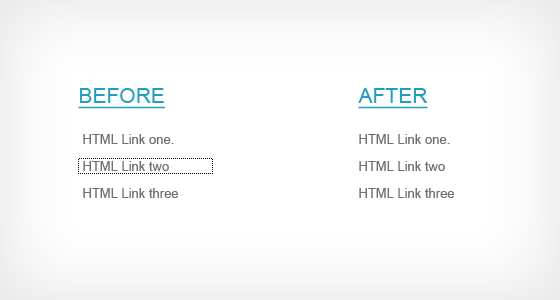
That's it. All those ugly dotted lines are gone. It's tested against IE7 only.
Do you have another css trick on this? Share with me - comment it down.